
Getting verified on Roblox is a major milestone for creators, developers, influencers, and community leaders. If you’ve ever wondered How To Get Verified on Roblox, you’re in the right place. In this detailed guide, you’ll learn exactly what the verification badge means, how to qualify for it, and the safest steps to apply — all based on Roblox’s real requirements.
Let’s jump in and explore how you can legitimately earn your verification checkmark on your Roblox profile.
What Is Roblox Verification?
How the Verification Badge Works
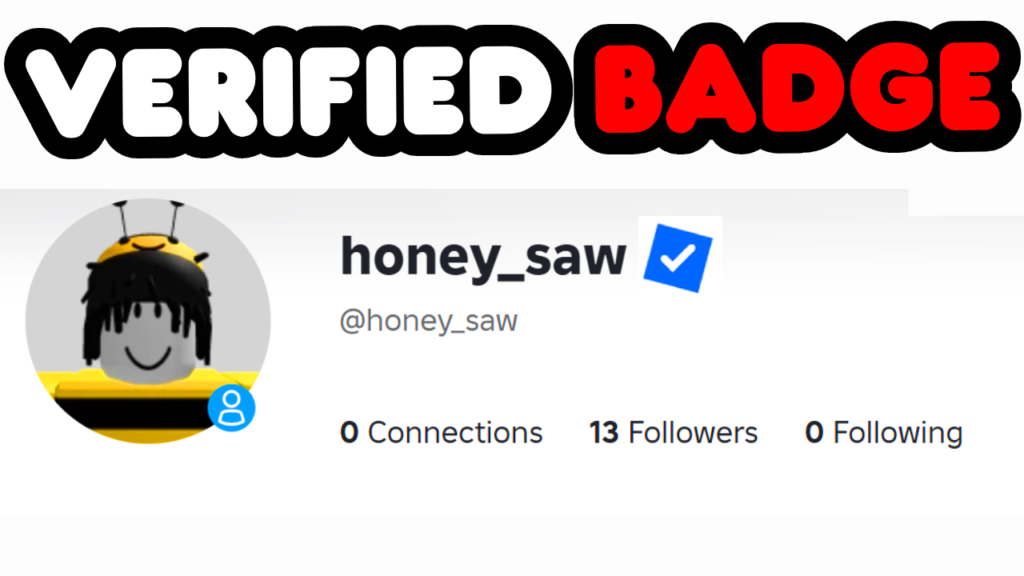
The Roblox verification badge is a blue checkmark that appears next to a user’s profile name. It lets players know that the person behind the account is authentic, credible, and influential within the Roblox ecosystem. Roblox uses verification to help users identify trusted creators and public figures.
Why the Verification Badge Matters
Getting verified increases your visibility on the platform, boosts your reputation, helps with branding, and allows players and developers to recognize your official identity. Verified creators also tend to attract more collaborations, sponsorships, and opportunities.
Roblox Verification Requirements (Official Criteria)
Minimum Eligibility Standards
Roblox only verifies creators who fall into certain recognized categories. To be considered for verification, you typically must be:
- A well-known game developer
- A UGC creator with popular items
- A member of the Roblox Video Stars Program
- Someone who has a proven partnership with Roblox
These standards ensure the badge is given to users who have demonstrated meaningful contributions.
Understanding Follower Requirements
For influencers, Roblox requires a large, active following on platforms like YouTube, TikTok, or Twitch. While they don’t publish an exact number, creators with 100,000+ followers are most commonly approved.
What Counts as an Official Creator or Developer
If you’ve published successful Roblox experiences or high-quality avatar items with proven engagement, you may qualify. Roblox evaluates metrics like:
- Daily active users
- Visit counts
- Item sales
- Community engagement
How To Get Verified on Roblox: Complete Step-by-Step Guide
Step 1: Confirm You Meet One of Roblox’s Required Categories
Before submitting a request, verify that you fall into at least one eligibility category. You must have:
- Reach (followers, viewership, or download numbers)
- Impact (influence, contributions, or partnerships)
- Consistency (active publishing or content creation)
Step 2: Prepare Your Accounts for Verification
Roblox reviews your online presence. Make sure your platforms are:
- Public
- Active
- Matching your Roblox username
- Professionally branded
Consistency improves your chances.
Step 3: Use the Roblox Support Form Correctly
The support form is a valid method only when used honestly. Here’s how:
- Go to the official Roblox support page
- Enter accurate account information
- Select the device you use most often
- Choose the help category “DevEx” only if it is relevant to your work
- Clearly and professionally state your request
https://www.roblox.com/support?articleId=208448546&article
Hello Roblox Support, I would like to request account verification for my Roblox profile. My account information is included below, and I can provide any additional details or identification if needed to confirm ownership. I’m requesting verification because [INSERT YOUR OWN PERSONAL REASONING HERE.] Please let me know if there are any further steps I should complete. Thank you for your time and assistance.Make sure that before you submit, you have read through the Roblox verified badge requirements and can confirm you match them well. Link is below if you need it!
https://en.help.roblox.com/hc/en-us/articles/7997207259156-Verified-Badge-FAQ
Step 4: Provide Legitimate Proof of Identity & Work
This may include:
- Links to your social media profiles
- Links to your games or UGC items
- Evidence of professional collaboration
- Business email addresses
Step 5: Submit Your Verification Request
Once everything is completed, submit your request. Remember: honesty and professionalism are key.
Step 6: What Happens After You Apply
Roblox will review your submission and respond via email. If they need additional information, they’ll ask for it. The review time varies depending on workload.
Accepted Categories That Can Receive the Badge
Roblox Video Stars Program
YouTube creators with large followings can apply to the Video Stars Program, which includes exclusive perks and verification benefits.
Popular Experience Developers
Developers who’ve published high-ranking, popular games often receive verification due to their contribution to the platform.
UGC (Avatar Item) Creators
Creators who design widely purchased items are often eligible.
Verified Partners & Partner Network Connections
Some organizations partner directly with Roblox. Working with them can help you qualify. Learn more here:
🔗 https://en.help.roblox.com
Common Mistakes That Prevent Verification
- Applying without meeting the qualifications
- Providing incorrect or misleading information
- Not having matching usernames across platforms
- Submitting automated templates
- Attempting to bypass the official process
How Long Does Roblox Verification Take?
Most requests take between 1–6 weeks, depending on the category and the platform’s current review workload.
How To Improve Your Chances of Getting Verified
Building Your Social Media Presence
Grow your audience authentically with consistent content and engagement.
Collaborating With Established Roblox Partners
Partnering with recognized organizations can boost your credibility.
Creating High-Quality Games or Avatar Items
Developing popular content helps you qualify organically.
Is the Support Form Method Legit? (Safe Explanation)
When It Works and When It Doesn’t
The support form is a legitimate method, but only when you already meet Roblox’s requirements. It will not bypass eligibility rules.
Why Providing Accurate Details Matters
Submitting false information can harm your chances permanently. Always be truthful and detailed.
FAQs About How To Get Verified on Roblox
1. Can anyone get verified on Roblox?
No. You must meet Roblox’s eligibility requirements.
2. Does having a lot of followers guarantee verification?
Not always, but it significantly helps.
3. Is the support form trick real?
It’s not a trick — it’s a standard method of contacting Roblox. It only works for qualified users.
4. How long does it take to get verified?
Between 1 and 6 weeks.
5. Can I get verified without being a developer or influencer?
It’s unlikely unless you work with a Roblox partner.
6. Do I need 100,000 followers exactly?
Not exactly, but most approved influencers have that level of reach.
Conclusion
Earning the verification badge takes time, effort, and legitimate qualification. With the right approach — and by following Roblox’s official requirements — you can increase your chances of getting approved. Now that you understand How To Get Verified on Roblox, start building your presence, improving your content, and preparing your application.