
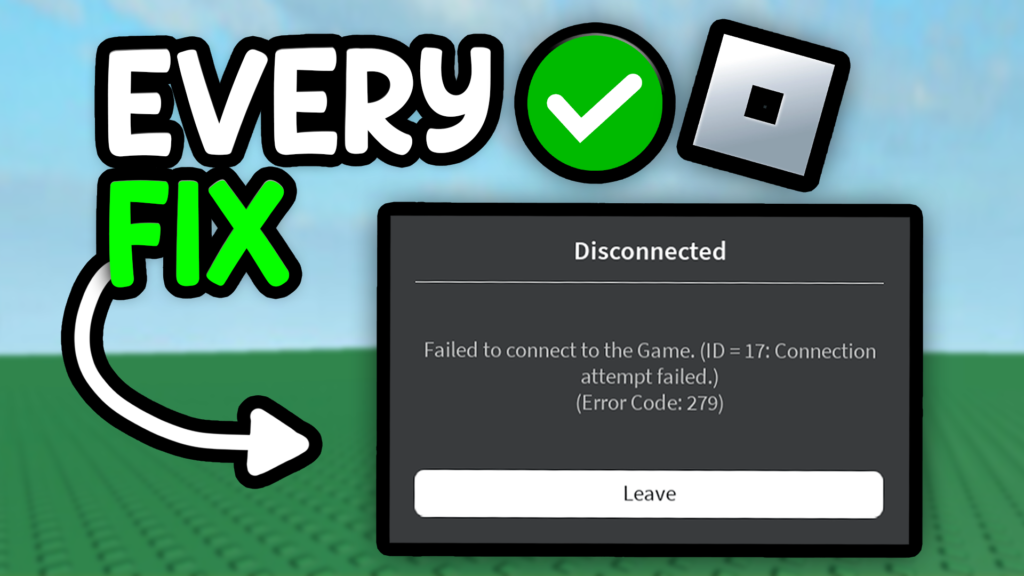
One of the most common issues players run into is Error Code 279, which prevents users from joining games.
So, how can you fix it?
What Causes Roblox Error Code 279?
Error Code 279 usually means that Roblox is having trouble establishing a connection to the game server. This can happen for a variety of reasons: poor internet speed, firewall or router issues, temporary Roblox outages, or even misconfigured network settings. In short, the error is tied to connectivity and doesn’t necessarily mean something is wrong with your device—it could be the platform itself.
How to Fix Roblox Error Code 279
Here are the most up-to-date solutions in 2025:
1. Check if Roblox is Down
Before troubleshooting your own setup, check if Roblox servers are experiencing problems. You can use Downdetector to confirm. If the issue is on Roblox’s end, you’ll need to wait until servers are back up.
2. Restart Your Router
Unplug your router for a few seconds and then plug it back in. Once it reboots, reconnect to the internet and try launching Roblox again. This can resolve temporary connectivity problems.
3. Try a VPN
Sometimes your region’s connection to Roblox servers may be unstable. Switching to a reliable VPN can bypass these issues and improve connection stability.
4. Test Your Internet Speed
Head to Speedtest and run a quick check. Roblox recommends a minimum of 4–8 Mbps to run smoothly. If your speeds are lower, you may need to upgrade your plan or limit other devices using your network.
5. Ensure Your Network Hardware Works Properly
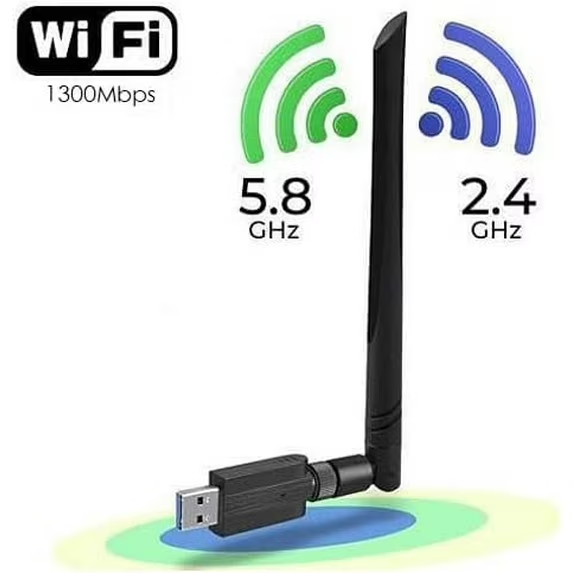
If you’re using a Wi-Fi adapter or Bluetooth dongle for connectivity, make sure it’s working properly. Faulty hardware can cause sudden disconnects that trigger Error 279. If needed, consider replacing it with a newer one.
6. Troubleshooting Internet Settings
Try temporarily disabling firewalls or overly strict antivirus settings, as they can block Roblox’s connection. You may also need to reset your network settings on Windows or macOS, flush your DNS cache, or adjust your router’s port forwarding. These steps help clear out hidden conflicts that interfere with Roblox servers.
FAQ
1. Is Error Code 279 a ban or suspension?
No—Error 279 is not related to bans. It’s a connectivity issue, not a moderation action.
2. Can using a VPN cause Error 279?
Yes. While VPNs can help in some cases, unreliable or slow VPNs can also cause disconnections. If using one worsens the issue, disable it and connect directly.
3. Does Roblox Error 279 only affect certain games?
It can happen more often in larger games or those with heavy assets since loading them requires more stable internet.
4. Will reinstalling Roblox fix Error 279?
Reinstalling Roblox can help if the problem is caused by corrupted files, though most of the time it’s related to your network.
5. Does Roblox recommend wired or wireless connections?
Wired connections (Ethernet) are generally more stable and less prone to interference, so they reduce the chance of running into Error 279 compared to Wi-Fi.