
If you’ve ever wondered How To PLAY 99 NIGHTS IN THE FOREST MODDED SANDBOX (Roblox) safely and correctly, you’re in the right place. Many players want admin commands, sandbox tools, and modded features that allow them to spawn enemies, test survival mechanics, or freely explore without restrictions. This guide walks you step-by-step through the exact process, explains how modded servers work, and helps you avoid gamepasses you don’t actually need to buy.
Understanding What 99 Nights in the Forest Is
Core Gameplay Overview
99 Nights in the Forest is a Roblox survival experience that challenges players to stay alive against monsters, darkness, and environmental dangers. As nights progress, enemies become stronger, making every decision matter.
Why Players Seek Modded or Sandbox Versions
The original game limits what players can do. Sandbox or modded versions open the door to:
- Admin tools
- Custom events
- Free building
- Spawning mobs
- Flying, teleporting, and other abilities
- Learning mechanics without dying repeatedly
These features make modded versions extremely popular among creators, testers, and casual players.
What Is a Modded Sandbox Version?
Features Exclusive to Sandbox Editions
A sandbox or modded game usually offers:
- Admin Command Console
- Infinite items
- Free-build areas
- No cooldown abilities
- Enemy spawn control
Admin Commands & Admin Panels Explained
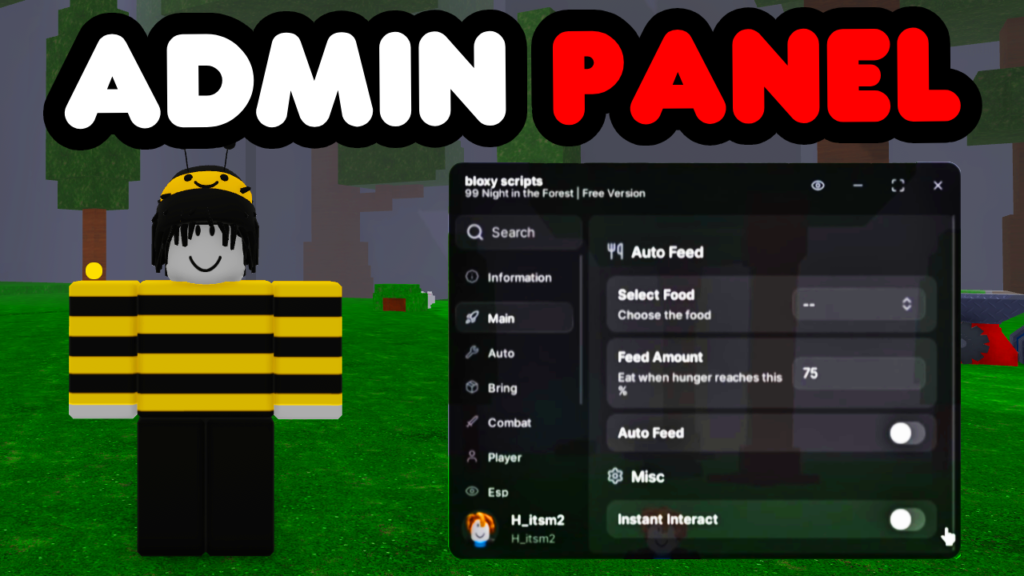
Most modded servers include an admin panel, a UI that allows:
- Spawning NPCs
- Changing time
- Teleporting
- Turning god mode on/off
- Editing stats
Not every server has the same system, but most operate similarly.
How To PLAY 99 NIGHTS IN THE FOREST MODDED SANDBOX (Roblox): Step-by-Step Guide
Step 1: Selecting the First Game Option
Click the first game link provided below before the best experience, some of these games may have already been shutdown by the time this blog has been released so try the other links first.
https://www.roblox.com/games/85192348449361/99-Nights-in-the-Forest-MOD-SANDBOX
Step 2: Alternative Game Links if the First One Fails
If the first game:
- Doesn’t load
- Is private
- Was deleted
- Or is full
…simply try one of the backup alternative games provided.
https://www.roblox.com/games/116235989679814/STOLLER-AND-BRAINROOT-9999X-MODDED
https://www.roblox.com/games/112967166026498/SANDBOX-99-Nights-in-the-Forest-MOD
https://www.roblox.com/games/106649422447539/99-Nights-in-the-Forest-MOD-SANDBOX
Step 3: Joining the Game Properly
Once on the Roblox game page:
- Click Play
- Wait for the server to load
- Ensure assets finish loading before moving
This prevents lag or missing UI elements.
Unlocking Sandbox Features Within the Modded Game
Entering the Sandbox Area
Some modded servers only enable tools once you:
- Walk into a Sandbox Zone
- Touch a Spawn Pad
- Interact with a Developer Terminal
If you don’t see sandbox UI immediately, look around for labeled areas.
Accessing the Admin Panel
In many modded servers, pressing:
- ;cmds
- :cmds
- /cmds
opens the command UI.
If not, the server may use a custom panel with a clickable icon.
When a Gamepass Is Required
Some developers lock the admin panel behind an Admin Gamepass.
But—don’t buy it immediately!
Because…
Many servers on the list give the sandbox for free, so always test all linked games first.
Free vs. Paid Modded Versions
Pros & Cons of Free Modded Games
Pros:
- No cost
- Accessible to everyone
- Often feature-rich
Cons:
- Can break after updates
- Admin tools may be limited
When Paid Gamepasses Are Worth It
Some gamepasses offer:
- Permanent admin rights
- Full unrestricted tools
- Faster server access
Only purchase if you’ve tested all free versions first.
Why Some Modded Servers Stop Working
Server Shutdowns
Roblox developers may close modded games unexpectedly.
Script Updates & Roblox Patches
When Roblox patches exploits or APIs, many modded servers break until updated.
For reliability, choose servers from trusted creators or blogs.
Safety Tips for Playing Modded Roblox Experiences
Avoiding Fake or Dangerous Links
Always ensure links come from:
- Trusted blogs
- Verified creators
- Well-rated experiences
Avoid suspicious files, downloads, or off-site installers.
Staying Compliant With Roblox TOS
While sandbox servers are allowed, using external exploits is not. Stick only to in-game admin tools provided by the server creator.
For more Roblox safety info:
https://en.help.roblox.com/hc/en-us/articles/203313410
FAQs About How To PLAY 99 NIGHTS IN THE FOREST MODDED SANDBOX (Roblox)
1. Is it safe to play modded 99 Nights in the Forest games?
Yes, as long as you join official Roblox experiences and avoid suspicious websites.
2. Do I need to buy an admin gamepass?
Not always—many servers provide free admin tools.
3. Why doesn’t the admin panel open when I press commands?
You may need to enter a sandbox zone or use a different keybind depending on the server.
4. Are modded sandbox versions allowed by Roblox?
Yes, as long as they don’t use third-party exploits.
5. The game link doesn’t load—what do I do?
Return to the blog and try another server from the list.
6. Can modded servers give me permanent admin abilities?
Only if you buy the creator’s gamepass in official versions.
Conclusion
Learning How To PLAY 99 NIGHTS IN THE FOREST MODDED SANDBOX (Roblox) opens up a whole new world of creativity, exploration, and experimentation. Whether you’re using free modded servers or advanced admin panels, the experience becomes far more flexible and fun. Always test each link, stay safe, and explore responsibly. And if the guide helped—don’t forget to subscribe!